
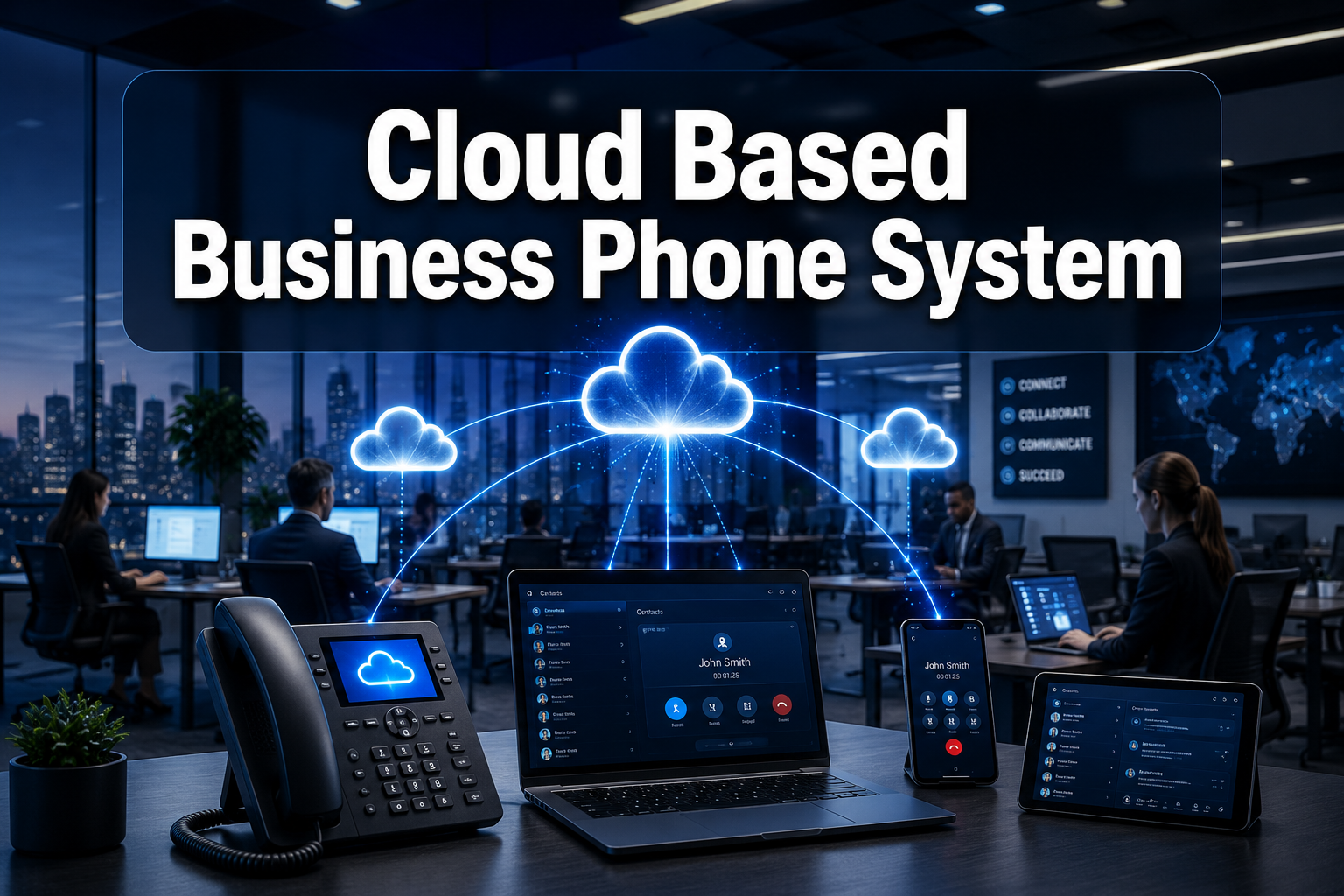
More than 70% of businesses are already using cloud-based unified communications or plan to within the next year, and a VoIP migration typically cuts phone costs by 30-50% compared with traditional lines. Yet most buyers still walk into the decision without comparing the right things. This guide cuts through the noise.
Whether you’re replacing an aging PBX, setting up a new office, or finally ditching the landline, this comparison covers what actually matters: real costs, key features, provider strengths, and the questions worth asking before you sign a contract.
Key Takeaways
- A cloud based business phone system (also called hosted VoIP or cloud PBX) routes calls over the internet, no physical phone exchange required on-site
- Typical pricing runs £15-£35 per user per month for most SMEs, significantly undercutting traditional phone line costs
- The right provider depends on your business size, location, support needs, and existing software stack
- AI-powered features, auto-attendants, call transcription, voice agents, are now standard on mid-tier plans, not premium add-ons
- Network quality matters more than price: a cheap plan on a poor connection will cost you more in lost calls and frustrated customers
What Is a Cloud Based Business Phone System (and Why It’s Replaced Traditional PBX)
A cloud based business phone system, often called hosted VoIP (Voice over Internet Protocol), handles all your business calls through the internet rather than copper phone lines or on-site hardware. Your provider manages the infrastructure remotely; you access it through desk phones, a desktop app, or a mobile device.
The contrast with legacy systems is stark. Traditional PBX (Private Branch Exchange) setups required physical hardware in your server room, expensive maintenance contracts, and an engineer every time you added a new line. Cloud vs on-premise VoIP systems breaks this down in detail, but the short version: cloud wins on cost, flexibility, and speed of deployment for the vast majority of SMEs.
The global VoIP market reflects this shift, projected to more than double from $144 billion to over $326 billion by 2032. That’s not a niche technology trend; it’s a wholesale replacement of how businesses communicate.
Core Features to Expect
Any credible cloud phone system in 2026 should include:
- 📞 Auto-attendant (virtual receptionist): routes callers without a human operator
- 📱 Mobile and desktop apps: make and receive business calls from anywhere
- 🔄 Call routing and ring groups: distribute calls across teams intelligently
- 📝 Voicemail-to-email: transcribed messages delivered to your inbox
- 📊 Call analytics and reporting: track volume, wait times, and agent performance
- 🔗 CRM and software integrations: connect calls to your existing tools
For a deeper look at what’s possible, customising your business phone system using VoIP covers how to configure these features for your specific workflows.
The AI Factor in 2026
AI has moved from buzzword to practical tool in cloud-based communications. In May 2025, DialLink launched an SMB-focused cloud phone system with built-in AI voice agents that handle routine call tasks automatically, booking confirmations, FAQs, call triage. Microsoft followed by integrating Teams Phone directly with Dynamics 365 Contact Center, adding AI-powered customer service features. Sky Business also launched a UK cloud voice product built on Cisco Webex, adding an extensive set of advanced call-handling features.
The point: if a provider’s feature list still looks like it was written in 2019, ask hard questions.
Comparing Cloud Based Business Phone System Providers: National and Regional Options
No single provider is right for every business. Here’s an honest comparison across four credible options, three national/global platforms and one regional specialist.
| Provider | Best For | Approx. Price | Standout Feature | Support |
|---|---|---|---|---|
| RingCentral | Mid-market to enterprise | From ~£20/user/mo | Deep CRM integrations, analytics | 24/7, online-first |
| 8×8 | SMEs needing contact centre features | From ~£18/user/mo | Unified comms + video + voice | 24/7, online-first |
| Microsoft Teams Phone | Microsoft 365 users | Add-on to M365 licence | Native Teams integration, AI features | Partner-dependent |
| Halstone Mobile & Technology | West Midlands/Staffs SMEs | Tailored quotes | Local managed service, hands-on setup | Regional, personal |
RingCentral
RingCentral is one of the most established names in cloud-based communications globally. Its platform covers voice, video, messaging, and contact centre tools in one interface. The analytics suite is genuinely strong, useful if you’re managing a sales team or call centre. The trade-off: pricing can escalate quickly as you add users and features, and support is primarily self-serve unless you’re on an enterprise plan. Best suited to businesses that need deep CRM and VoIP integration and have internal IT resource to manage the setup.
8×8
8×8 positions itself as a unified communications platform, voice, video, and team messaging under one roof. It’s a solid choice for SMEs that want contact centre-style features (call queuing, agent dashboards, real-time reporting) without enterprise-level pricing. Like RingCentral, support is predominantly online, which suits tech-comfortable teams but can frustrate smaller businesses without dedicated IT staff.
Microsoft Teams Phone
If your business already runs on Microsoft 365, Teams Phone is worth serious consideration. The 2025 integration with Dynamics 365 Contact Center makes it a compelling option for customer-facing teams. The catch: it works best when you’re already embedded in the Microsoft ecosystem, and setup typically requires a certified partner. For a comparison with other platforms, VoIP vs Zoom Phone is worth reading alongside this.
Halstone Mobile & Technology, Regional Specialist
For businesses in the West Midlands and Staffordshire, Halstone’s VoIP and cloud phone services offer something the national platforms genuinely can’t: local, managed support from people who know your area’s connectivity landscape.
Halstone operates as a managed service provider, meaning they handle setup, configuration, and ongoing support directly, not through a generic helpdesk. That matters for businesses without in-house IT, or those who’ve had poor experiences with impersonal national providers. They’re not the right fit if you’re a 200-seat business needing enterprise-grade global infrastructure, but for regional SMEs that want a reliable, well-supported cloud based business phone system without the complexity, they’re a strong contender.
What Cloud Based Business Phone System Pricing Actually Looks Like
Pricing across the industry typically runs £15-£45 per user per month, with most SMEs landing in the £20-£35 range. Here’s what drives the variation:
- Number of users: per-seat pricing means costs scale linearly; some providers offer volume discounts above 10 or 20 seats
- Feature tier: basic call handling is cheap; add call recording, analytics, or AI features and the price climbs
- Contract length: monthly rolling contracts cost more than annual commitments
- Hardware: desk phones are usually extra; softphone-only setups (app on your laptop or mobile) keep costs down
💡 Buyer tip: Don’t evaluate price in isolation. A £12/user plan with poor call quality or no UK support will cost you more in productivity losses than a £28 plan that works reliably.
For a full breakdown, how much business VoIP costs covers the real numbers across provider tiers.
Common Mistakes to Avoid
Even well-prepared buyers make these errors:
- Skipping the network audit: VoIP quality depends entirely on your internet connection. Check upload speed, jitter, and packet loss before committing to any provider. Our guide on avoiding common VoIP phone system problems covers this in detail.
- Choosing on price alone: the cheapest plan rarely includes adequate support or the features you’ll actually need in six months
- Underestimating scalability: pick a platform that can grow with you; migrating systems is expensive and disruptive
- Ignoring security: cloud phone systems face real threats including call fraud and number spoofing; securing your cloud based phone system is not optional
- Forgetting number porting: if you’re keeping your existing business number, check the provider’s porting process before signing; delays can leave you unreachable. VoIP phone number porting explains what to expect.
FAQ: Cloud Based Business Phone Systems
Q: Do I need new hardware to switch to a cloud phone system? Not necessarily. Most providers support softphones, apps on your existing computers and mobiles. If you want physical desk phones, IP phones are relatively affordable (£50-£150 per handset), and many providers offer them as part of a bundle.
Q: What internet speed do I need for VoIP calls? Each concurrent call uses roughly 100 Kbps of bandwidth. A 10-person office with everyone on calls simultaneously needs around 1 Mbps dedicated to voice, well within most business broadband packages. Consistency matters more than raw speed; unstable connections cause choppy audio.
Q: Can I keep my existing phone number? Yes. Number porting transfers your current number to the new provider. The process typically takes 5-15 working days in the UK. Confirm your provider supports porting before you sign up.
Q: Is a cloud phone system secure enough for business use? Yes, when configured correctly. Look for providers offering TLS/SRTP encryption, two-factor authentication, and call fraud monitoring. Avoid providers that can’t clearly explain their security architecture.
Q: What happens to my phones if the internet goes down? Most providers offer call failover, automatically diverting calls to a mobile number if your connection drops. This is a standard feature worth confirming before you commit.
Q: Is a cloud system right for a very small business, say, 2-3 people? Absolutely. Many providers have no minimum seat requirements, and the per-user cost at small scale is still far cheaper than a traditional phone line setup. Cloud phone systems for small business covers the specific considerations for micro-businesses.
Conclusion: How to Choose the Right Cloud Based Business Phone System
The decision comes down to four things: your budget, your team size, your existing tech stack, and the level of support you need.
National platforms like RingCentral, 8×8, and Microsoft Teams Phone offer powerful features and scale well, but they work best when you have the IT capability to configure and manage them. If you’re in the West Midlands or Staffordshire and want a managed service with real local support, Halstone’s cloud VoIP solutions are worth a direct conversation.
Practical next steps:
- Audit your internet connection: run a VoIP readiness test before you evaluate providers
- List your must-have features: auto-attendant, call recording, CRM integration, mobile app?
- Get quotes from at least three providers: include at least one regional/managed option alongside the nationals
- Ask every provider about support, specifically: what happens when something breaks at 9am on a Monday?
- Check contract terms: monthly rolling gives flexibility; annual saves money if you’re confident in the platform
The right cloud based business phone system won’t just replace your old phone line – it’ll make your team more reachable, more professional, and more efficient. That’s worth taking the time to choose carefully.