
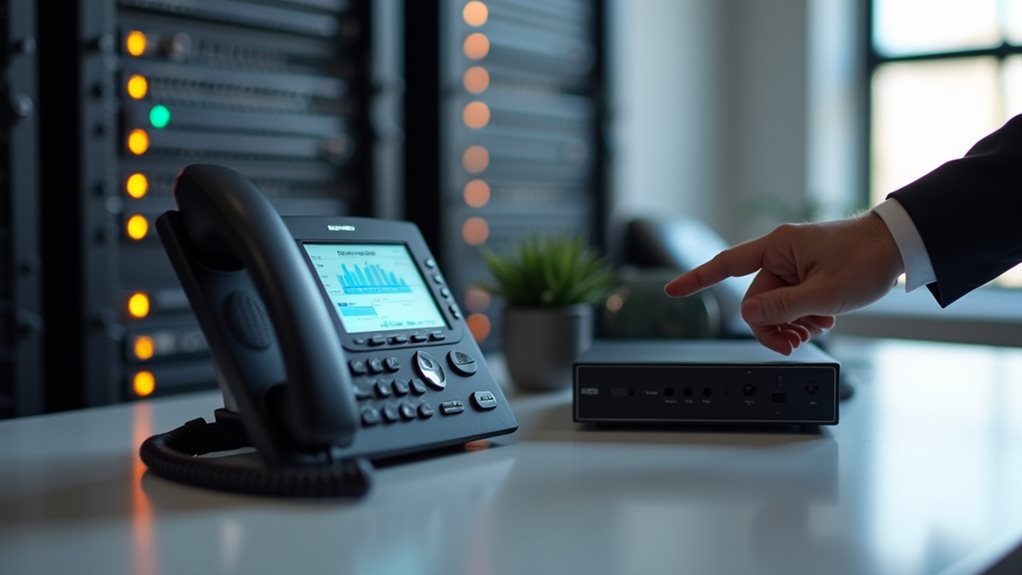
When selecting VoIP hardware, prioritize quality IP phones with HD voice capability and appropriate screen size for your workspace. Invest in a QoS-enabled router to manage voice traffic effectively and guarantee your internet connection has sufficient bandwidth for your call volume. Choose codecs and protocols compatible with your network infrastructure, and implement robust security measures like specialized firewalls and encryption. Balance your immediate budget constraints against long-term performance needs while considering potential business growth. The right equipment combination creates a foundation for reliable business communications.
Core VoIP Components: Understanding the Essentials
Three vital components form the backbone of any reliable VoIP system, and you’ll need to understand each one before making hardware decisions.
First, consider your IP phones—these devices connect directly to your network and come in desk, conference, or wireless varieties depending on your needs.
Second, don’t overlook the importance of a robust router with QoS (Quality of Service) capabilities to prioritize voice traffic over less time-sensitive data.
Finally, you’ll require a reliable internet connection with sufficient bandwidth to handle your call volume.
When evaluating these core components, focus on key features like HD voice capability, multiple line support, and security protocols. Moreover, investing in a router that offers QoS capabilities can significantly enhance call quality during peak usage times.
IP Phone Selection: Features and Compatibility Factors
When selecting an IP phone for your VoIP system, you’ll want to take into account screen size and display quality, as these features directly impact your ability to maneuver through menus and manage calls efficiently.
Your chosen device must support compatible codecs and protocols that align with your network infrastructure to guarantee clear audio quality and seamless connection.
Beyond these technical specifications, you’ll need to assess how well the phone integrates with your existing systems, including your CRM, email platform, or other business applications that could improve your communication workflow. Additionally, a stable internet connection is crucial for VoIP phone setup, as it significantly affects call quality and reliability.
Screen Size Matters
Although often overlooked, screen size on IP phones considerably impacts your daily communication experience. When evaluating your options, consider how screen preferences align with your typical usage patterns.
Larger displays provide easier access to advanced features and improve readability for those who frequently interact with their phone’s interface.
Display resolution complements size—higher resolution screens deliver sharper text and clearer visual elements, reducing eye strain during extended use. You’ll notice notable differences when comparing a basic 2.5″ monochrome display versus a 7″ color touchscreen, particularly when managing multiple calls or accessing directory information.
Your choice should balance functionality with desk space constraints. If you’re primarily handling simple calls, a modest screen suffices. However, if you’re managing complex communication workflows or video conferencing, investing in larger, higher-resolution displays proves worthwhile. Additionally, ensuring compatibility with VoIP technology is crucial for optimizing your communication experience.
Codecs and Protocols
Understanding codecs and protocols represents a critical factor in your IP phone selection process, as these technical elements determine call quality, bandwidth usage, and overall system compatibility.
When evaluating VoIP hardware, you’ll need to compare codecs like G.711, G.729, and OPUS to find the right balance between audio quality and network efficiency. The choice of codec significantly influences overall communication effectiveness, affecting both sound clarity and network performance.
Today’s protocol evolution has moved beyond traditional SIP to include improved options like WebRTC and H.323. You’ll want to confirm your chosen phones support both current standards and emerging protocols to protect your investment.
Check that your selected hardware aligns with your network infrastructure’s capabilities and bandwidth constraints.
Remember that mismatched codecs between devices can lead to compatibility issues or degraded call quality, so validate that your entire system speaks the same digital language before finalizing your purchase.
Integration With Systems
Selecting IP phones that seamlessly integrate with your existing business systems constitutes a critical factor in maximizing your VoIP investment.
When evaluating options, you’ll need to assess how each device works with your current CRM, email platforms, and calendar applications. Effective integration strategies reduce workflow disruptions and improve productivity.
Consider phones that offer robust API support, enabling custom integration with proprietary software.
You’ll find that system compatibility extends beyond basic connectivity—it encompasses how well devices support your security protocols and authentication methods. Some manufacturers provide specialized integration tools that simplify connecting their hardware to popular business platforms.
Don’t overlook the importance of scalability in your integration planning.
The IP phones you select today should accommodate your growth trajectory without requiring complete system overhauls as your communication needs evolve. Additionally, the right equipment can lead to cost savings that further enhance your overall operational efficiency.
Network Infrastructure Requirements for Quality VoIP
When you implement Voice over IP solutions, your network infrastructure becomes the foundation upon which call quality stands or falls. Your existing network topology must support real-time voice traffic alongside regular data transmission.
Begin by auditing your current setup to identify potential bottlenecks or single points of failure that could disrupt calls.
Understanding bandwidth requirements is essential for VoIP success. You’ll need to calculate not only the bandwidth for concurrent calls (typically 30-100 Kbps per call depending on codec), but also headroom for traffic spikes.
Properly sizing your VoIP bandwidth needs means planning for both regular call loads and unexpected traffic surges.
Don’t forget to implement QoS (Quality of Service) protocols to prioritize voice packets over less time-sensitive data.
For peak performance, you’ll want to maintain network latency below 150ms, jitter under 30ms, and packet loss less than 1%.
These metrics directly impact whether your callers experience crystal-clear conversations or frustrating echoes and dropouts.
Security Hardware and Protocols for Protected Communications
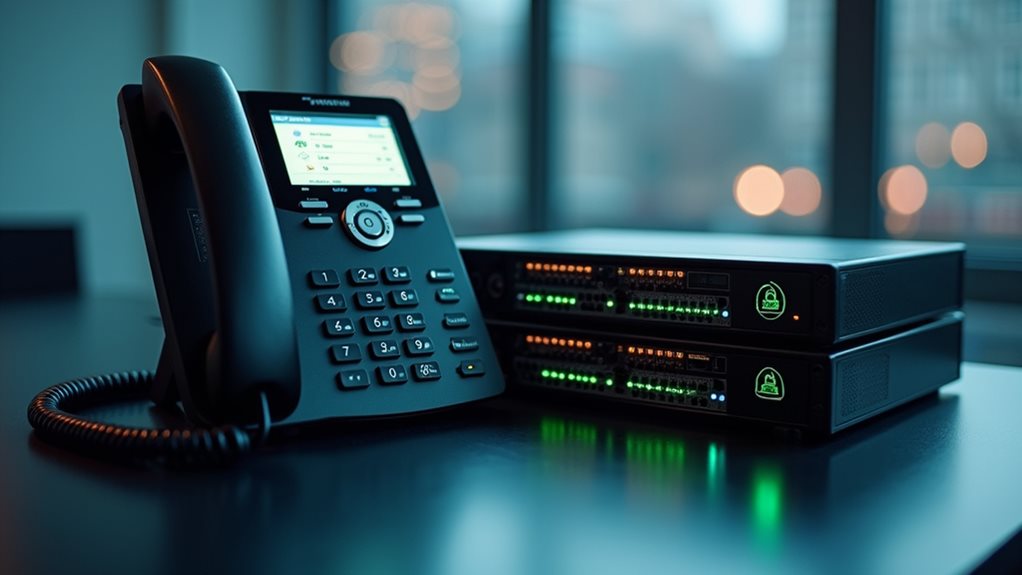
When establishing a VoIP system, you’ll need robust security hardware like specialized firewalls and encryption devices to protect your voice data from potential breaches.
Your implementation should include SIP protocol protections that prevent unauthorized access and eavesdropping through techniques such as TLS encryption and certificate validation.
You can’t afford to overlook these security measures, as they’re crucial for maintaining confidentiality and preventing costly disruptions to your business communications. Additionally, employing strong authentication methods is vital for securing your VoIP communications against unauthorized users.
Firewalls and Encryption Devices
Because VoIP communications travel across potentially vulnerable networks, implementing robust security hardware becomes essential for protecting your voice data.
When selecting firewalls and encryption devices, you’ll need to balance performance with security requirements. Your firewall configurations should specifically accommodate VoIP protocols while blocking potential threats.
For effective VoIP security implementation:
- Choose Session Border Controllers (SBCs) that support multiple encryption standards and provide deep packet inspection specifically designed for voice traffic.
- Implement dedicated VoIP firewalls with stateful packet inspection that won’t compromise call quality or introduce latency issues.
- Consider hardware-based encryption devices that support TLS 1.3 and SRTP protocols for end-to-end protection of voice streams.
Regular security updates are essential as they help to address emerging vulnerabilities that could compromise your communications. Don’t underestimate the importance of regularly updating your security hardware’s firmware to address emerging vulnerabilities that could compromise your communications.
SIP Protocol Protections
Since SIP (Session Initiation Protocol) serves as the backbone of most modern VoIP systems, implementing robust protocol-specific protections should be your top priority when securing voice communications.
You’ll need to focus on SIP security measures that prevent unauthorized access and eavesdropping on your business calls.
Consider implementing multiple authentication methods, including certificate-based verification and multi-factor authentication, to create layered protection.
Don’t rely solely on username/password combinations, as they’re vulnerable to brute force attacks.
You’ll also want to deploy SIP-aware firewalls that can inspect and filter traffic based on protocol behaviors rather than just port numbers.
Remember that your SIP infrastructure is only as secure as its weakest component, so conduct regular security audits to identify and address vulnerabilities before they’re exploited. Additionally, regular software updates are essential to mitigate vulnerabilities that could be exploited by attackers.
Scalability Considerations for Growing Organizations
As your organization expands, the VoIP system you initially implement shouldn’t become a limitation to your growth. When evaluating hardware options, consider their growth potential and compatibility with future expansion plans. Your infrastructure should evolve alongside your business without requiring complete overhauls.
Look for these scalable features when selecting VoIP equipment:
- Modular systems that allow adding components (phones, lines, servers) without disrupting existing operations.
- Cloud-hybrid solutions offering flexibility to shift between on-premise and hosted services as needs change.
- Open-standard hardware that supports integration with emerging technologies and third-party applications.
Remember that today’s adequate capacity may prove insufficient tomorrow. Factor in not only current headcount but projected team growth over the next 3-5 years when calculating your system requirements. Additionally, evaluate the cost efficiency of scalable VoIP solutions to ensure sustainable growth without compromising quality.
Cost-Benefit Analysis: Balancing Budget and Performance

While searching for the ideal VoIP hardware solution, you’ll need to carefully weigh initial investment costs against long-term performance benefits.
Consider your budget constraints realistically—premium IP phones and high-end PBX systems offer superior features but may fail to align with your financial resources.
Premium hardware impresses on paper but often exceeds practical needs and strains financial limitations unnecessarily.
Evaluate your performance expectations by evaluating call volume, feature requirements, and growth projections. You’ll often find that mid-tier hardware delivers sufficient quality for most business needs without breaking the bank.
Remember that the cheapest options frequently lead to higher maintenance costs and frustrated users down the road.
Create a detailed TCO (Total Cost of Ownership) analysis that includes not only purchase prices but also installation, training, maintenance, and eventual replacement.
This thorough approach will help you identify the sweet spot where functionality meets financial responsibility.
Frequently Asked Questions
Can I Use My Existing Analog Phones With Voip Systems?
Yes, you can use your existing analog phones with VoIP systems. You’ll need VoIP adapter options like ATAs (Analog Telephone Adapters) to convert your phones’ signals. Most systems offer analog phone compatibility features.
How Do Power Outages Affect Voip Hardware Functionality?
During power outages, your VoIP system won’t work unless you’ve implemented power backup solutions. Consider UPS devices, battery backups, or generators to maintain phone service when the electricity fails. Don’t forget internet connectivity needs backup too.
What Maintenance Schedule Should I Follow for Voip Equipment?
You should inspect your VoIP equipment quarterly. Perform monthly firmware updates, clean dust regularly, and check connections twice yearly. These maintenance best practices and routine equipment checks will guarantee peak performance and extend your hardware’s lifespan.
Are Wireless Voip Phones Reliable for Business Environments?
Yes, wireless VoIP phones can be reliable for your business if you invest in quality models and maintain strong network infrastructure. You’ll need proper access points to guarantee consistent wireless reliability and peak business performance.
Can Voip Hardware Integrate With Legacy PBX Systems?
Yes, your VoIP hardware can integrate with legacy PBX systems through SIP gateways. You’ll face some integration challenges, but proper planning addresses legacy compatibility issues while allowing you to modernize gradually without replacing everything simultaneously.
Final Thoughts
You’re now equipped to make informed VoIP hardware decisions that’ll support your communication needs while safeguarding your investment. Remember that the right equipment balances performance, security, and scalability with your budget constraints. As you implement your VoIP system, don’t hesitate to reassess your requirements periodically. Technology evolves rapidly, and staying adaptable guarantees you’ll continue to leverage the full potential of your voice communication infrastructure.