
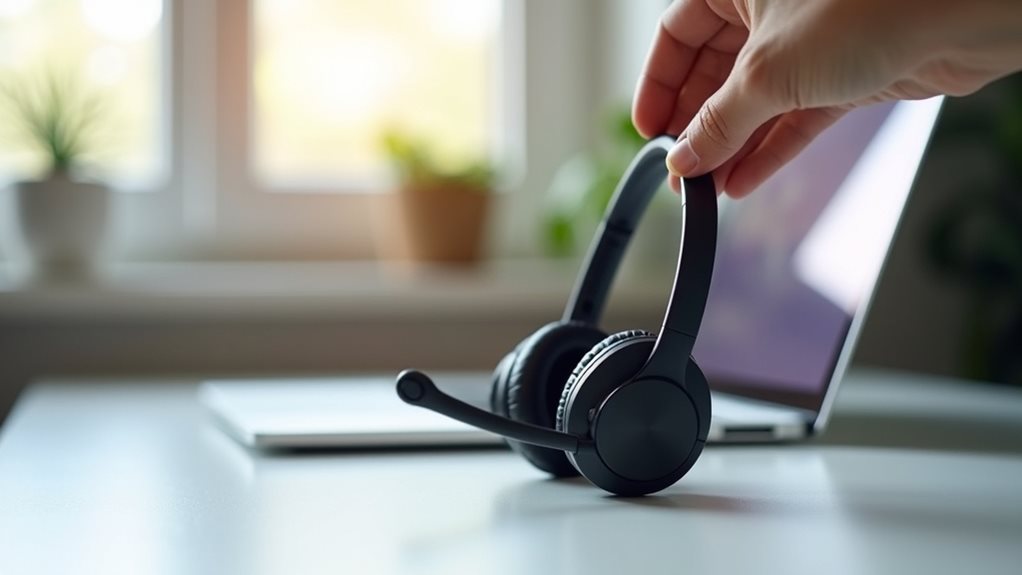
When choosing a VoIP headset for crystal-clear calls, focus on audio quality features like wideband frequency response and noise-canceling microphones. Consider your workspace needs—wired models offer reliability while wireless options provide mobility up to 300 feet. Prioritize comfort with adjustable headbands and quality cushioning for long sessions. Battery life matters for wireless models, with premium options delivering 8-12 hours of talk time. The right headset balances these elements within your budget constraints.
Understanding Different Types of VoIP Headsets
When you’re ready to plunge into the world of VoIP headsets, understanding the different types available is crucial for making an informed decision.
You’ll encounter three main categories: wired, wireless, and Bluetooth models, each offering distinct advantages for different work environments.
Wired headsets provide reliable connectivity and don’t require charging, making them ideal for consistent office use.
For uninterrupted office communication, wired headsets deliver dependable connectivity without the hassle of battery management.
Wireless options give you freedom to move, typically up to 300 feet from your base.
Bluetooth models offer versatility for connecting to multiple devices simultaneously.
Major headset brands like Jabra, Plantronics, and Sennheiser offer models across all categories, with varying features such as noise-cancellation, HD audio, and ergonomic designs. Ergonomic design is particularly important for reducing fatigue during long calls.
Your choice should align with your daily communication needs, office setup, and budget constraints.
Key Audio Quality Features to Consider
As you explore VoIP headset options, audio quality features stand out as perhaps the most crucial factors affecting your daily communication experience. Your ability to hear clearly and be understood directly impacts your professional effectiveness.
Look for headsets with wide audio frequency response ranges (typically 20Hz-20kHz) that capture the full spectrum of human speech. Noise-canceling microphones greatly improve sound clarity by filtering out background distractions before they reach your caller.
Many premium models now offer HD voice capability, which transmits at higher bit rates for more natural conversations.
Don’t overlook acoustic echo cancellation technology, which prevents your caller’s voice from bouncing back to them.
Remember that wideband audio (sometimes called “HD Voice”) delivers considerably better clarity than narrowband options, making longer calls less fatiguing and miscommunications less frequent. Regular monitoring of VoIP call quality metrics helps ensure that your communication remains effortless and clear.
Wired vs. Wireless: Evaluating Your Connectivity Needs
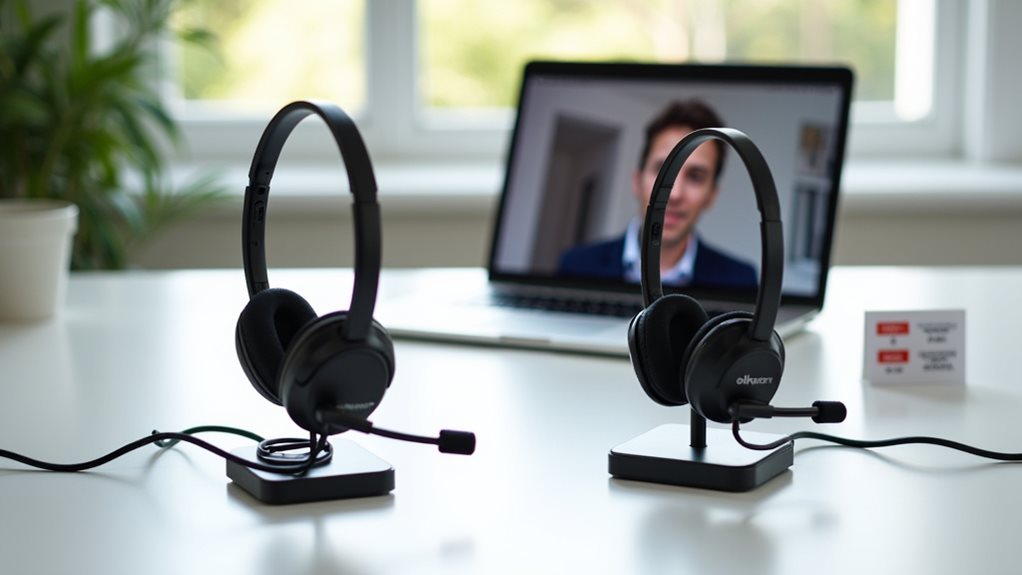
While audio quality forms the foundation of a great VoIP experience, your choice between wired and wireless connectivity will shape how you actually use your headset day-to-day.
Wired headsets offer unparalleled reliability with consistent audio transmission and zero battery concerns. You’ll never find yourself scrambling for a charger mid-call, and they’re typically more budget-friendly.
Reliable audio, no charging anxiety, and budget-friendly design — wired headsets deliver steadfast performance when it matters most.
Wireless options, however, deliver the freedom to move up to 30 feet from your desk without disrupting conversations. This mobility proves invaluable during lengthy calls when you need to stretch, retrieve documents, or multitask.
Consider your work environment: if you’re constantly referencing physical materials or collaborating across spaces, wireless freedom might justify the premium price. Conversely, if you primarily work at a fixed station, wired reliability provides dependable performance without the complexity of battery management. Additionally, ensuring your router optimizes for VoIP traffic can significantly enhance the audio quality experienced during calls.
Noise Cancellation Technology: What Really Matters
When selecting a VoIP headset, you’ll need to decide between active noise cancellation, which electronically filters background noise, and passive cancellation, which relies on physical barriers like cushioned earcups.
Your microphone’s position greatly influences call clarity, with boom mics positioned closer to your mouth typically capturing clearer audio than built-in alternatives.
These noise-handling technologies aren’t just premium features—they’re vital components that determine whether your colleagues hear your voice or the chaos of your surrounding environment. Additionally, high voice quality is essential for effective professional interactions, ensuring that important information is communicated clearly and without distractions.
Active vs. Passive Filtering
Understanding the difference between active and passive noise cancellation can greatly impact your VoIP call quality.
Active noise cancellation employs sophisticated microprocessors that generate sound waves to counteract ambient noise, effectively creating a bubble of silence around your ears. You’ll notice this technology in premium headsets where external sounds virtually disappear.
Passive noise filtering, in contrast, relies on physical barriers—like foam padding and over-ear cups—to block unwanted sound.
While less expensive, passive solutions can’t adapt to changing environments the way active systems do. For consistent call clarity in busy offices or coffee shops, you’ll benefit most from active noise technology. Additionally, consider using VoIP-optimized hardware for the best performance and call quality.
However, in quieter settings, a quality passive system might serve you adequately while saving you money. Choose based on your typical working environment.
Microphone Positioning Matters
Beyond filtering technology, microphone positioning dramatically impacts your call quality. Different microphone types capture sound differently, requiring proper placement to maximize clarity.
When using a boom mic, position it approximately one inch from the corner of your mouth—not directly in front—to avoid breathing noises while guaranteeing the best sound pickup.
You’ll notice considerable differences between headsets with fixed versus adjustable microphones. Adjustable options let you fine-tune positioning for your unique speaking style and face shape.
If you’re frequently on calls in noisy environments, look for headsets with microphones featuring directional sound pickup that focuses primarily on your voice.
Remember that even the most advanced noise-cancelling technology can’t compensate for poor microphone positioning. Take time to adjust your headset properly before important calls—your listeners will appreciate the crystal-clear audio. Incorporating VoIP security safeguards into your communication practices ensures that your conversations are not only clear but also protected from vulnerabilities.
Comfort and Ergonomics for Extended Call Sessions
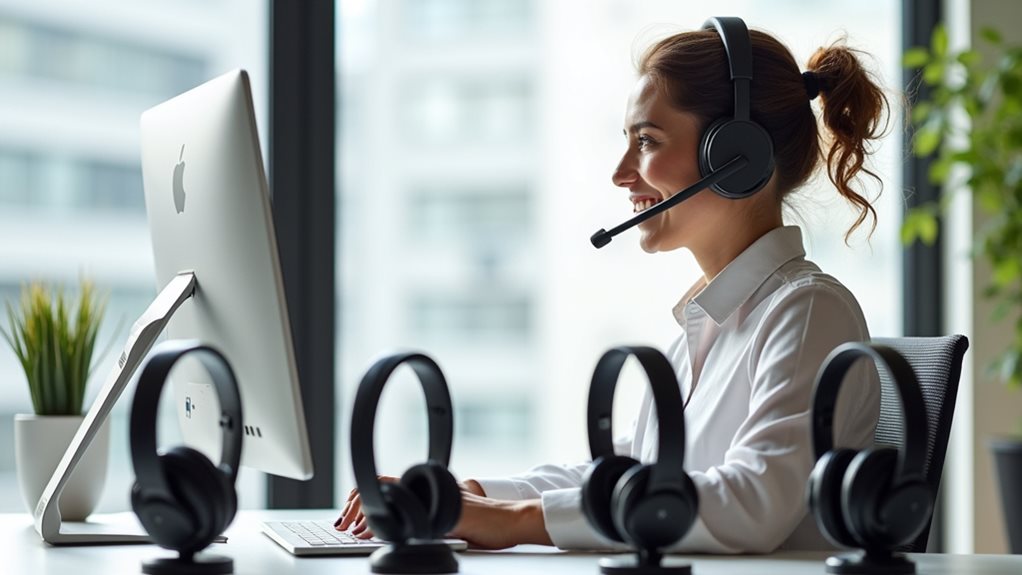
When you’re spending hours on calls, your headset’s comfort becomes as essential as its technical features.
You’ll want to examine the cushion materials—memory foam or leatherette—while guaranteeing your headset includes an adjustable headband that prevents that dreaded “headset squeeze” during marathon sessions.
The weight distribution across your ears and head will greatly impact your comfort level, with well-balanced designs preventing neck strain and fatigue that could otherwise distract you during important conversations. Additionally, investing in a quality headset can enhance VoIP call quality, ensuring a seamless communication experience.
Cushion Material Matters
The cushion material of your VoIP headset directly impacts your comfort during those marathon customer service shifts or day-long conference calls.
Memory foam earpieces contour to your ear shape, distributing pressure evenly, while leatherette coverings offer durability and professional appearance. However, they don’t breathe well during extended wear.
For all-day comfort, consider mesh or fabric cushions that provide better airflow, though they won’t isolate sound as effectively.
Silicone options deliver excellent cushion durability in high-temperature environments but may cause discomfort after several hours.
Don’t overlook cushion hygiene—materials like protein leather or vinyl can be wiped clean between users, a crucial consideration for shared workstations.
Your ideal choice ultimately depends on your typical call duration and personal comfort preferences. Additionally, comfort plays a significant role in enhanced communication capabilities, which can improve overall productivity during long calls.
Adjustable Headband Features
An adjustable headband serves as the foundation of VoIP headset comfort during extended call sessions. You’ll appreciate the difference when your headset properly distributes pressure across your scalp rather than creating painful pressure points.
Look for models with precise adjustable sizing mechanisms that click into place rather than those that gradually slip throughout your workday.
Headband materials greatly impact both durability and comfort. Premium options often feature steel cores wrapped in leatherette or breathable mesh, providing stability while preventing overheating.
For marathon call sessions, consider headsets with suspension-style designs that automatically conform to your head shape. Some manufacturers now incorporate memory foam padding that adapts to your unique contours over time. Additionally, be sure to choose headsets compatible with VoIP technology, as this greatly enhances audio clarity during communications.
Weight Distribution Considerations
Proper weight distribution extends beyond the headband to determine how your VoIP headset feels during those marathon call sessions.
When evaluating options, pay attention to how the weight is balanced between the ear cups and headband. An ergonomic design distributes pressure evenly across your head rather than concentrating it in one area.
You’ll notice the difference immediately when switching from a poorly balanced headset to one with thoughtful weight distribution. The best models incorporate lightweight materials strategically placed to maintain stability without causing fatigue.
Look for headsets that position heavier components (like batteries) closer to the ears rather than atop your head. This seemingly minor detail can dramatically reduce neck strain during extended calls. Additionally, using high-quality audio devices can significantly enhance communication efficiency, ensuring that conversations are clear and professional.
Battery Life and Power Management Solutions
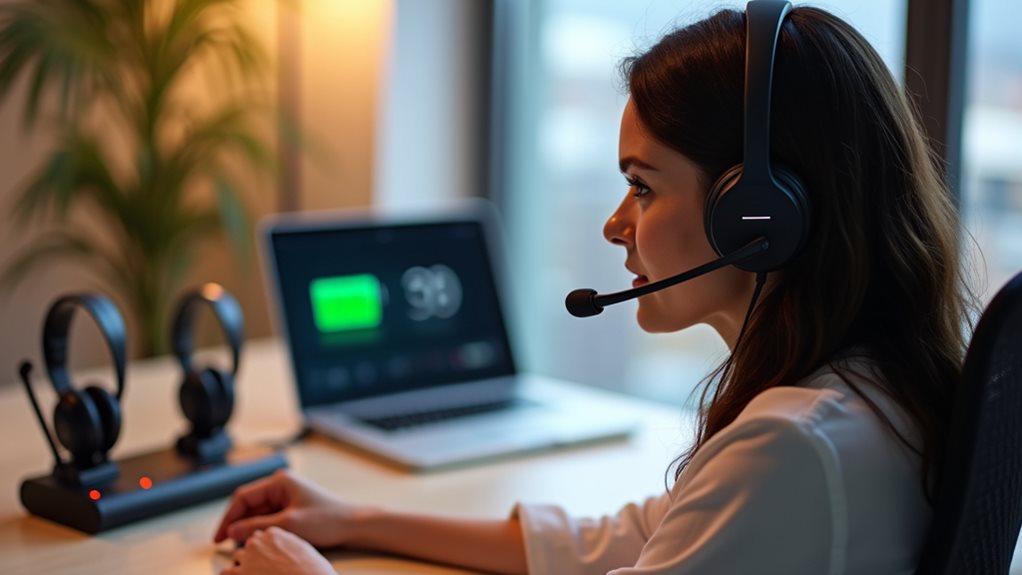
When selecting wireless VoIP headsets, battery life becomes a critical factor that can make or break your communication experience.
Today’s premium models offer between 8-12 hours of talk time, while budget options typically provide 4-6 hours. You’ll want to assess your daily usage patterns to determine if battery performance fulfills your requirements.
Look for headsets with power efficiency features like quick-charge capabilities, where just 15 minutes of charging can deliver up to 2 hours of talk time.
Many models now include smart power management that automatically adjusts power consumption based on usage patterns. Some advanced headsets offer replaceable batteries, allowing you to swap in a fresh battery rather than waiting for recharging.
Consider dock-charging solutions that guarantee your headset is always topped up when not in use, eliminating the anxiety of mid-call battery depletion.
Compatibility With Your Existing Voip Systems
Beyond battery considerations, validating your VoIP headset works seamlessly with your existing communication infrastructure is paramount.
Before purchasing, review your system requirements to ascertain compatibility with your current VoIP platform. Many headsets work universally, but some are optimized for specific software like Microsoft Teams, Zoom, or Cisco platforms.
Conduct thorough compatibility testing before committing to a full deployment. Most vendors offer trial periods—take advantage of these to test your headset with actual calls in your working environment.
Check if you’ll need additional adapters or software drivers, particularly if you’re using older systems or specialized equipment.
Don’t overlook connection types either. Whether you need USB, Bluetooth, or traditional 3.5mm jacks, your choice should align with your devices and how you’ll use the headset daily.
Budget Considerations and Value Assessment

Investing in a VoIP headset requires balancing your financial constraints with the features you truly need. When reviewing options within your budget constraints, consider both immediate costs and long-term value. A thorough value comparison should account for durability, warranty coverage, and potential productivity gains.
Consider these factors when evaluating value:
Assess true value beyond price tag by weighing durability, warranty coverage, and potential productivity enhancements.
- Higher-priced models often deliver superior noise cancellation and clarity that can prevent costly miscommunications.
- Entry-level headsets might suffice for occasional use but could frustrate daily users with comfort issues.
- Mid-range options typically offer the best balance between quality and affordability for most professionals.
- Extended warranties justify premium prices for those who depend on their headsets for client interactions.
Frequently Asked Questions
Can I Use My Voip Headset With My Smartphone?
Yes, you can use your VoIP headset with your smartphone. Most headsets offer smartphone compatibility through standard audio jacks or Bluetooth connections. Check your headset features to guarantee it works with your specific phone model.
How Often Should I Replace My Voip Headset?
You should replace your VoIP headset every 2-3 years, but monitor for replacement signs like audio degradation, comfort issues, or physical damage. Your headset lifespan varies depending on usage frequency and care quality.
Are Gaming Headsets Suitable for Professional Voip Calls?
Gaming headsets can work for professional VoIP calls, but they’re not ideal. Their gaming headset features often prioritize immersion over the call quality comparison that matters in business settings. You’ll want dedicated VoIP headsets instead.
Can Multiple Headsets Connect to One Voip System Simultaneously?
Yes, you can connect multiple headsets to one VoIP system simultaneously. Many modern VoIP system compatibility features support multiple headset connections, allowing for conference calls, training sessions, or call monitoring with proper hardware configuration.
Are There Waterproof Voip Headsets for Outdoor Use?
Yes, you’ll find VoIP headsets with waterproof features specifically designed for outdoor use. They’re equipped with IP-rated protection against rain and moisture while offering outdoor durability for construction sites, warehouses, and field operations.
Final Thoughts
You’re now equipped to select a VoIP headset that’ll transform your communication experience. Remember to prioritize audio quality, comfort, and compatibility with your existing systems. Don’t compromise on noise cancellation if you’re in a busy environment. While budget matters, investing in a quality headset pays dividends through improved call clarity and reduced fatigue. Trust your personal preferences—the “best” headset is ultimately the one that meets your unique professional needs.