
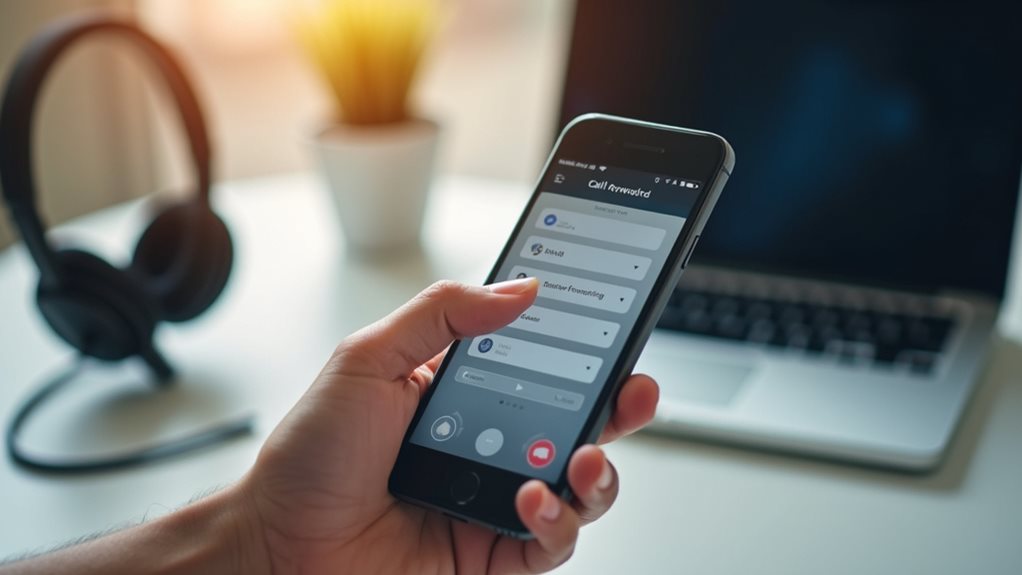
VoIP call forwarding redirects incoming calls to different devices, guaranteeing you never miss important connections. To set it up, access your provider’s dashboard, find call management settings, enter destination numbers, and select forwarding conditions (like time-based or sequential ringing). Test your configuration by placing a call to verify proper routing. For troubleshooting, check your internet connection, confirm forwarding rules, and restart equipment if needed. The advanced options we’ll explore can transform how your business handles communication flow.
What Is Voip Call Forwarding and Why It Matters
Communication flexibility stands at the core of modern business operations. VoIP call forwarding represents a powerful feature that allows you to redirect incoming calls to different phone numbers or devices based on your preferences. Unlike traditional phone systems with limited routing options, VoIP technology enables sophisticated call management that adapts to your workflow.
You’ll appreciate the VoIP benefits when you’re away from your desk but can’t afford to miss important calls. Whether you’re working remotely, traveling for business, or simply stepping out for lunch, call forwarding guarantees continuous connectivity.
This feature transforms how you handle communication by eliminating missed opportunities and improving professional responsiveness. By implementing strategic call forwarding rules, you’re fundamentally creating a personalized communication network that works around your schedule rather than forcing you to adapt to technological limitations. Additionally, the enhanced call routing capabilities provided by VoIP ensure that calls are directed efficiently, further supporting your ability to connect with customers seamlessly.
Basic Setup Process for Major VoIP Providers
Although each VoIP provider offers unique features, the fundamental setup process follows similar patterns across platforms.
You’ll typically begin by accessing your provider’s admin portal or dashboard, where you’ll find call management settings. Look for options labeled “Call Forwarding” or “Call Routing” within these menus.
Most major VoIP providers require similar basic configuration steps: entering the destination number, selecting forwarding conditions (all calls, busy signals, or no answers), and setting ring duration before forwarding activates.
Setting up call forwarding requires just three steps: input destination number, choose triggering conditions, and specify timing parameters.
Providers like RingCentral, Vonage, and 8×8 offer user-friendly interfaces where you can toggle these settings with minimal technical knowledge. Also, ensuring high-quality voice is crucial for effective call forwarding and communication.
Remember to test your configuration by placing a call to your VoIP number and confirming it forwards correctly to your designated destination.
Advanced Call Forwarding Options and Features

With advanced VoIP call forwarding, you’ll gain access to time-based routing rules that let you direct calls to different numbers depending on the hour, day, or specific date. You can configure sequential ring options to try multiple numbers in a predetermined order, guaranteeing you never miss important calls even when you’re away from your primary device. These sophisticated features transform your basic VoIP service into a thorough communications system that adapts to your schedule and prioritizes your most important contacts. Additionally, it’s important to customize call handling preferences to ensure that critical calls are managed effectively.
Time-Based Routing Rules
When your business operates across multiple time zones or requires specific call handling during certain hours, time-based routing rules become an invaluable asset in your VoIP call forwarding arsenal.
You can configure your system to automatically redirect calls based on your schedule, guaranteeing clients reach the right department regardless of when they call.
Set up different routing patterns for business hours, after-hours, weekends, and holidays. This customization respects both your operational constraints and customer preferences.
For example, morning calls might route to your East Coast office, while afternoon inquiries automatically transfer to West Coast representatives.
Most VoIP platforms offer intuitive interfaces where you can create these time-conditional rules without technical expertise.
Simply define your time parameters, assign destinations, and let the system manage the logistics while you focus on business. Furthermore, the adoption of cloud-based solutions in VoIP enhances the reliability and efficiency of these routing features, ensuring seamless communication.
Sequential Ring Options
Sequential ring technology transforms how your business handles incoming calls by systematically trying a series of phone numbers until someone answers. This advanced feature guarantees vital calls never go unanswered, creating a seamless customer experience while maintaining your team’s flexibility.
Among the key sequential ring benefits are improved response rates and reduced missed opportunities. You’ll capture more leads and provide better service by making certain calls reach available team members. Additionally, the flexibility inherent in VoIP technology allows teams to adapt their communication processes, enhancing overall operational efficiency.
However, sequential ring limitations include potential delays as the system works through your number sequence, possibly frustrating callers if the chain is too long.
To optimize this feature, keep your sequence to 3-4 numbers maximum, prioritize team members based on availability patterns, and consider implementing a time limit before calls transfer to voicemail.
Time-Based and Conditional Call Routing Strategies
Time-based call routing empowers you to establish peak-hour configurations that direct calls to specific departments or representatives when your business experiences high call volumes.
You’ll find that implementing follow-the-sun call patterns guarantees continuous customer support across different time zones, allowing seamless changes between global teams as one region ends its workday and another begins.
These strategic routing approaches not merely maximize your staff efficiency but also greatly reduce customer wait times, creating a more responsive communication system that adapts to your organization’s unique operational rhythms. Additionally, leveraging advanced calling features can further enhance the efficiency of your routing strategies.
Peak-Hour Routing Configurations
During periods of high call volume, efficient VoIP routing configurations become essential for maintaining service quality and customer satisfaction.
Implementing strategic peak hour strategies allows you to manage call traffic effectively without compromising communication quality. You’ll want to configure your VoIP system to automatically redistribute incoming calls during your busiest periods.
This might include setting up sequential ring groups, where calls cascade to available team members, or implementing simultaneous ringing across multiple devices. Consider programming your system to prioritize high-value clients during these congested periods, guaranteeing they’re never left waiting.
Remember to regularly analyze your call patterns to identify when your peak hours actually occur. Many businesses assume they know their busiest times but discover different patterns when examining the data. Additionally, optimizing your system for intelligent call routing can significantly enhance customer experience during peak times.
Follow-the-Sun Call Patterns
As your business expands globally, follow-the-sun call routing becomes an essential strategy for providing seamless 24/7 customer support without burdening a single team with overnight shifts.
Implementing a follow-the-sun strategy with your VoIP system allows you to leverage your global workforce across different time zones. You’ll need to configure your call forwarding settings based on predetermined time blocks that align with your team’s working hours.
- Map your customer service centers across time zones to identify coverage gaps.
- Configure time-based routing rules that automatically transfer calls to active teams.
- Set up overlap periods (typically 1-2 hours) for proper handoffs between regions.
- Implement escalation protocols for critical issues that may require waking specialists.
This approach guarantees callers always reach a fresh, alert agent regardless of when they call. Additionally, utilizing advanced features of your VoIP system can enhance the efficiency of your call routing processes.
Mobile Integration for On-the-Go Professionals
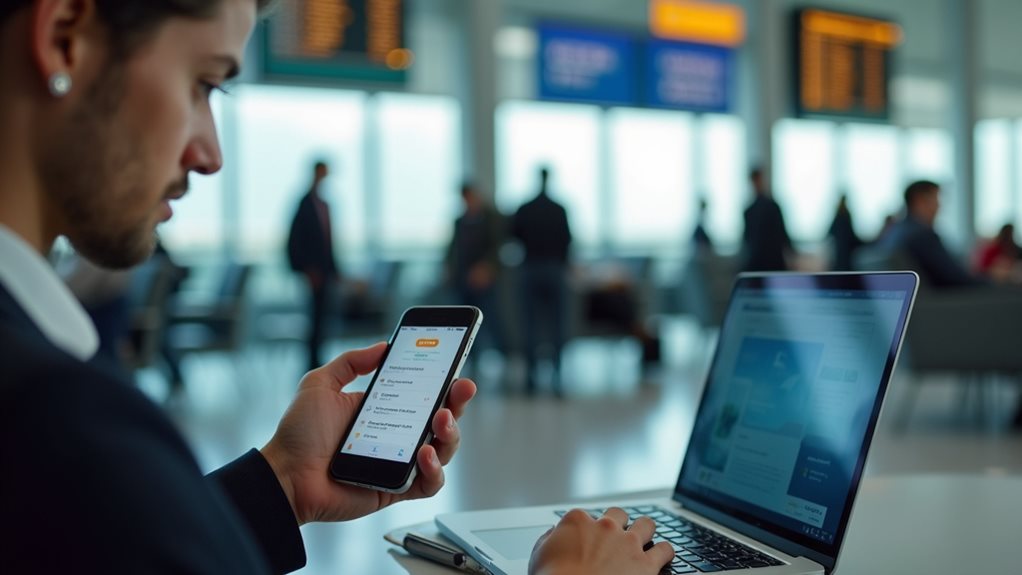
Professional mobility demands seamless communication solutions that travel wherever you do. VoIP call forwarding seamlessly integrates with your smartphone, creating a unified communications ecosystem that doesn’t tie you to a desk.
You’ll maintain professional connectivity whether you’re commuting, at a client site, or working from a coffee shop across town.
To maximize mobile flexibility, configure your VoIP system to intelligently route calls based on your availability status. When you’re away from your desk, calls can automatically forward to your mobile device, guaranteeing you never miss important client conversations.
Many VoIP platforms offer companion apps that preserve your business caller ID even when answering on personal devices, maintaining your professional image regardless of location. This integration transforms your smartphone into a powerful extension of your office communication system. Additionally, utilizing advanced features can enhance your VoIP experience by providing functionalities that further streamline workflow and connectivity.
Common Troubleshooting Tips for Call Forwarding Issues
While mobile integration creates a seamless communication experience, technical issues occasionally arise with VoIP call forwarding. When you encounter problems, try these proven solutions before contacting technical support:
- Verify your internet connection’s stability and speed—network issues often cause dropped calls or poor call quality when forwarding is active.
- Confirm that all forwarding rules are correctly configured in your VoIP dashboard, paying special attention to conflicting instructions.
- Restart your VoIP equipment, including routers and phones, which often resolves temporary software glitches affecting call routing.
- Check compatibility between your forwarding destination and VoIP service, as some mobile carriers or landlines may process forwarded calls differently.
Additionally, optimizing your network settings can also significantly enhance the call forwarding experience.
Remember that most call forwarding problems stem from configuration errors rather than actual service failures.
Business Use Cases and Success Stories

Organizations that implement VoIP call forwarding solutions consistently report notable operational improvements and cost savings across diverse industries.
A mid-sized accounting firm in Boston saw 27% business growth after setting up VoIP forwarding that guaranteed clients could reach their accountants regardless of location.
Similarly, you’ll find that remote teams benefit greatly—like a tech startup that maintained 98% customer satisfaction during their shift to a hybrid work model by implementing intelligent call routing.
You don’t need to be a large corporation to reap these benefits.
Consider how a three-person law practice increased their clientele by 15% simply by making sure calls were properly forwarded during court appearances.
The key is customizing your call forwarding rules to match your specific business workflow, allowing for seamless communication without missing important connections.
Frequently Asked Questions
Does Voip Call Forwarding Affect Audio Quality?
Yes, it can. You’ll notice potential audio quality degradation and decreased call stability if your forwarded calls pass through multiple networks or if your internet connection is weak during the forwarding process.
Are There Additional Costs for International Call Forwarding?
Yes, you’ll typically incur additional costs for international call forwarding. Different service providers charge varying international rates, so it’s important to check your specific plan details before setting up overseas forwarding.
Can I Forward Calls to Multiple Devices Simultaneously?
Yes, you can forward calls to multiple devices simultaneously. Most VoIP services offer advanced call routing that rings several phones at once. Just guarantee device compatibility when setting up this feature on your account.
How Secure Is Voip Call Forwarding for Sensitive Conversations?
VoIP call forwarding’s security depends on encryption methods you’re using. Standard forwarding may have privacy concerns, so you’ll need end-to-end encryption for truly sensitive conversations. Consider using additional security protocols when discussing confidential information.
Will Callers Know Their Call Has Been Forwarded?
No, callers typically won’t know their call has been forwarded. Most VoIP systems transfer calls seamlessly without call notifications. Your caller experiences remain unchanged, as they’ll only hear normal ringing before you answer their call.
Final Thoughts
You’re now equipped to leverage VoIP call forwarding‘s full potential. Whether you’re redirecting calls to your smartphone during commutes or implementing sophisticated time-based routing for your business, this technology transforms how you manage communications. Don’t hesitate to experiment with conditional rules and integrations—they’ll dramatically improve your accessibility and customer service. When issues arise, remember the troubleshooting tips we’ve covered. Your communications system can now work seamlessly wherever you go.